Delete a case
Permanently remove a case that was opened by mistake, along with everything recorded on it.
Last updated October 22, 2026
Who can do this: Admin
Before you start
- Only Admins can delete a case.
- Deleting can't be undone. If the work is simply finished, change the status to Closed or Discharged instead.
- A case with billed time, time paid to a nurse, or a sent invoice can't be deleted: it's part of your billing record. Close it instead.
Steps
- Open Cases and click the case's row.
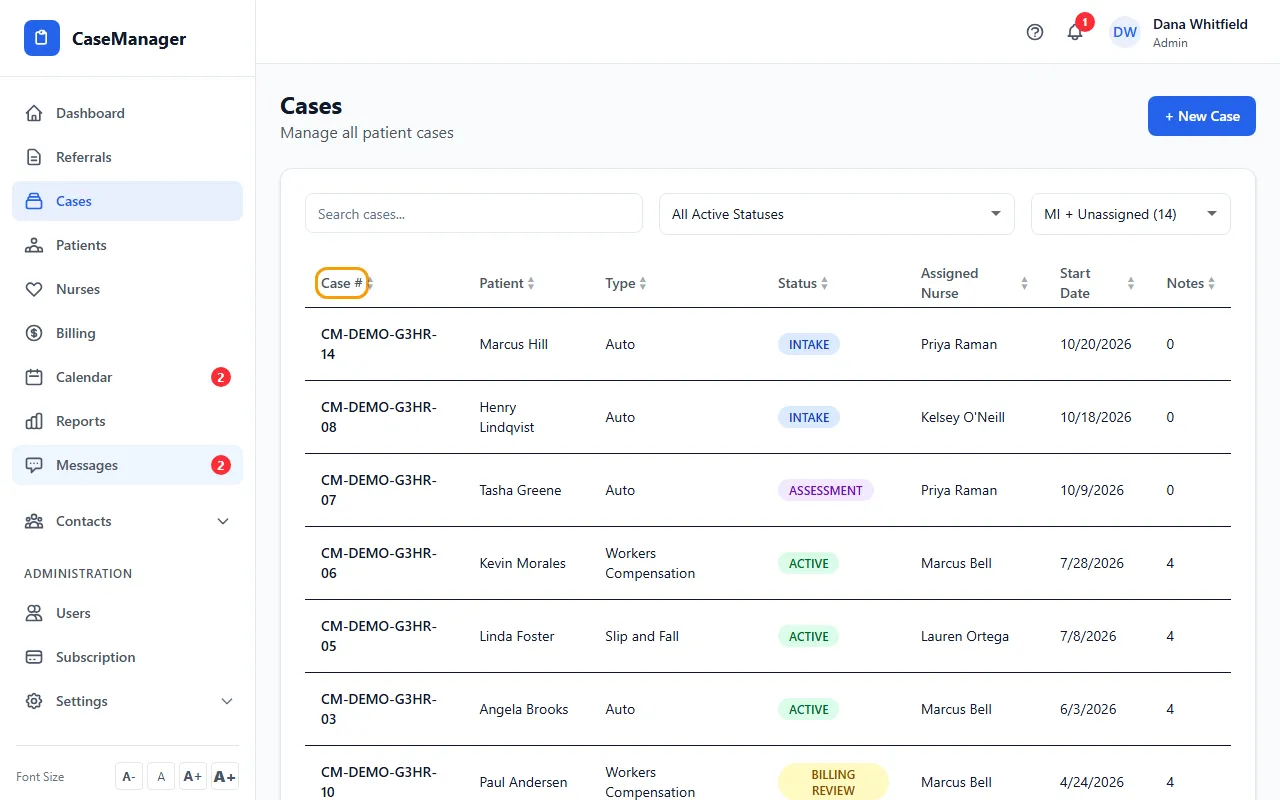
- Click Delete Case at the top right.
- Read the warning and click OK to confirm. You return to the Cases list.
What gets deleted
The case and everything attached to it: its case notes, time entries, progress notes, assessments, care plans, draft invoices, assignments and activity history.
The patient and their file stay, and so do the patient's documents, calls and calendar items. Only this case is removed.
If something goes wrong
- "Only admins can delete cases"
- Ask an Admin in your company to delete it.
- "Case … has billed time … so it's part of your billing record and can't be deleted. Set its status to Closed instead."
- Change the case's status to Closed. Billed time, nurse pay and sent invoices stay in your records.
- "Failed to delete case"
- Try again. If it keeps happening, email admin@casemgmt.io with the case number.