Export a case report PDF
Download a one-page case report with the case and patient basics and a signature line.
Last updated October 22, 2026
Who can do this: Admin, Nurse Case Manager, Internal Case Manager, Billing Staff
Steps
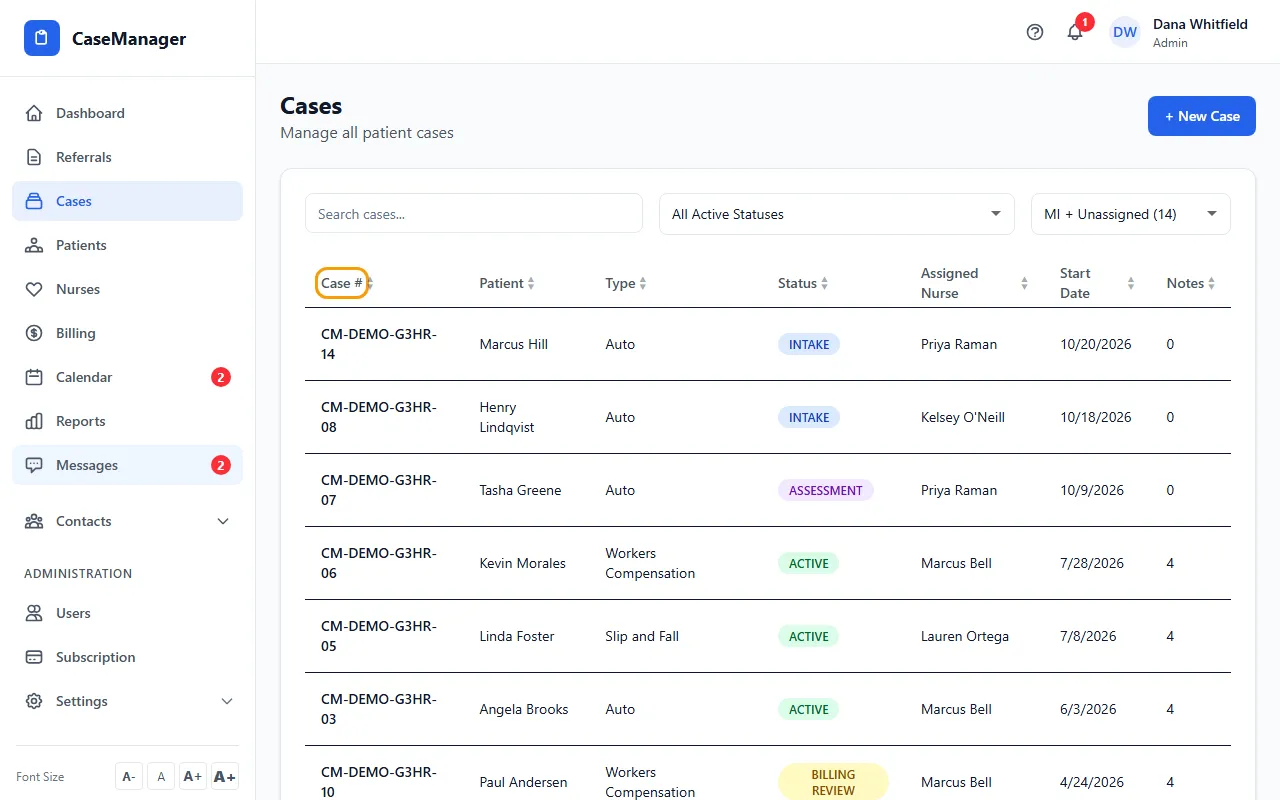
- Open Cases and click the case's row.
- Click Export PDF at the top right.
- Your browser downloads a file named after the case number, for example CM-2026-00042-report.pdf.
What's in it
A "Case Report" page with the case number, status, today's date, the patient's name and date of birth, and lines for the nurse's signature and the date.