Run patient reports
See your patients by age, gender, insurance and location, look up who lives where, and export the list.
Last updated October 22, 2026
Who can do this: Admin, Nurse Case Manager, Internal Case Manager, Billing Staff
Steps
- Open Reports and click Patient Reports.
- Read Total Patients, With Insurance and States Represented.
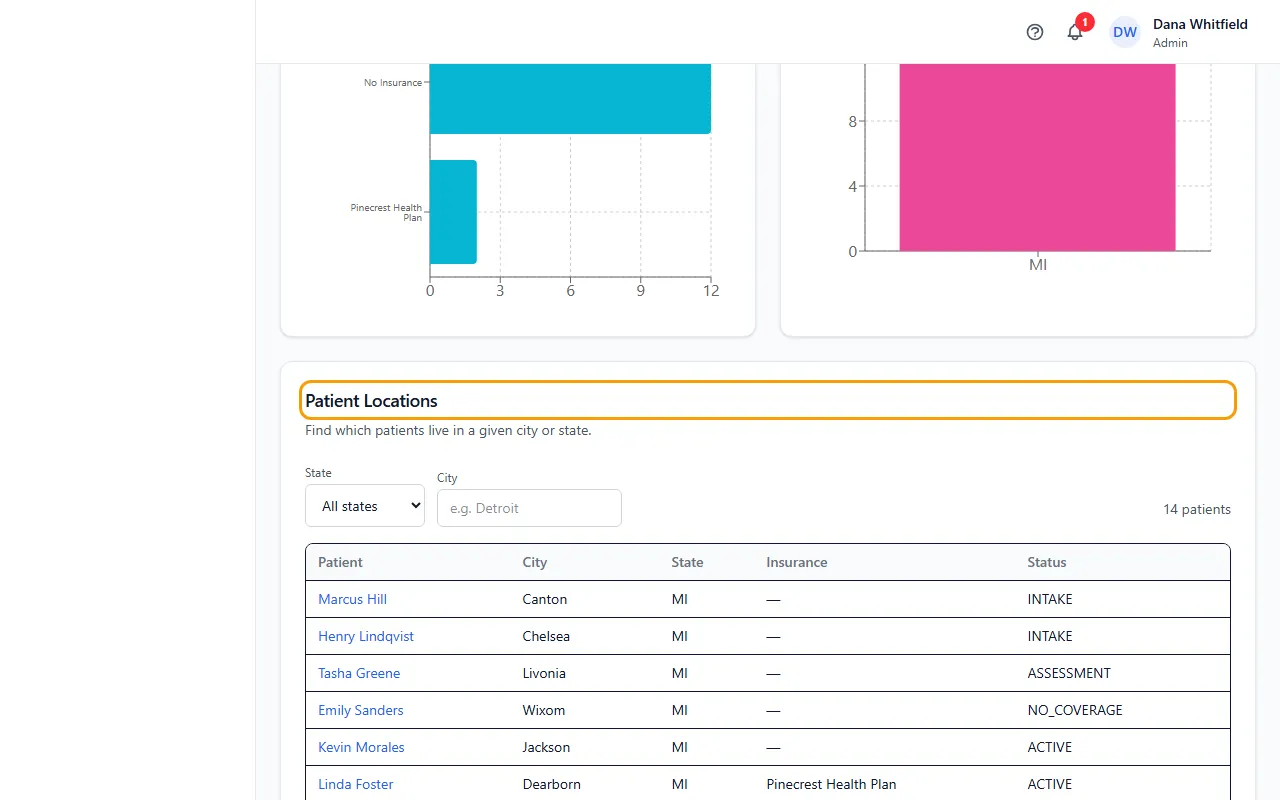
- Read the charts: Patient Age Distribution, Gender Distribution, Top Insurance Providers and Patients by State.
- Under Patient Locations, choose a State or type a City to list the patients there. Click a name to open the patient.
- Click CSV or PDF to export your patients.
Good to know
This tab always covers all your patients; the dates at the top don't apply.
Different spellings of a state or city (such as MI and Michigan) are counted together.
Admins also see Patients by Filed Attorney: choose a Filed Attorney to list the patients whose bills are filed with that attorney, and click CSV to export them.