Add a weekly progress note
Write a progress update for a week of the case and sign it.
Last updated October 22, 2026
Who can do this: Admin, Nurse Case Manager, Internal Case Manager
Steps
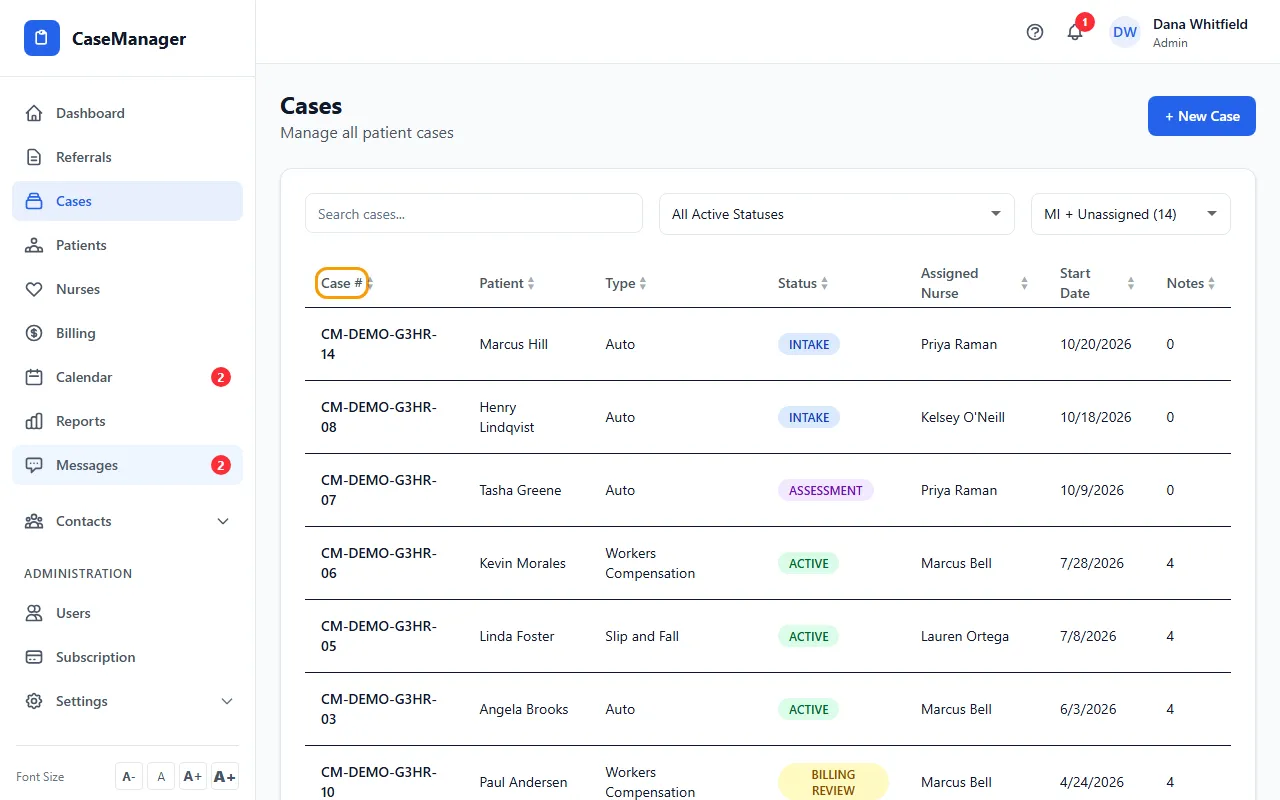
- Open Cases and click the case's row.
- On Overview, click View All on Recent Progress Notes (or click the Progress Notes tile in Quick Stats), then click Add Progress Note.
- Pick the Week Start and Week End dates.
- Fill in Patient Status and Interventions (required), and Outcomes, Barriers and Next Steps if you have them.
- Under Nurse Signature, click Add Signature, sign with your mouse or finger, and click Save Signature. To redo it, click Re-sign.
- Click Save Progress Note.
After you save
The note is listed as "Week of" its dates, with your name and a PENDING badge. There is no button on this screen to change that badge.
Progress notes can't be edited or deleted after saving.
Tips
- Progress notes are weekly summaries. To log the hours and miles you bill for, add a case note on the patient's file: see Add a case note with hours and miles.
- Use Clear on the signature pad to start the signature over before saving it.