Assign or remove a nurse on a case
Add the nurses and case managers who work a case, or take someone off it.
Last updated October 22, 2026
Who can do this: Admin, Nurse Case Manager
Steps
- Open Cases and click the case's row.
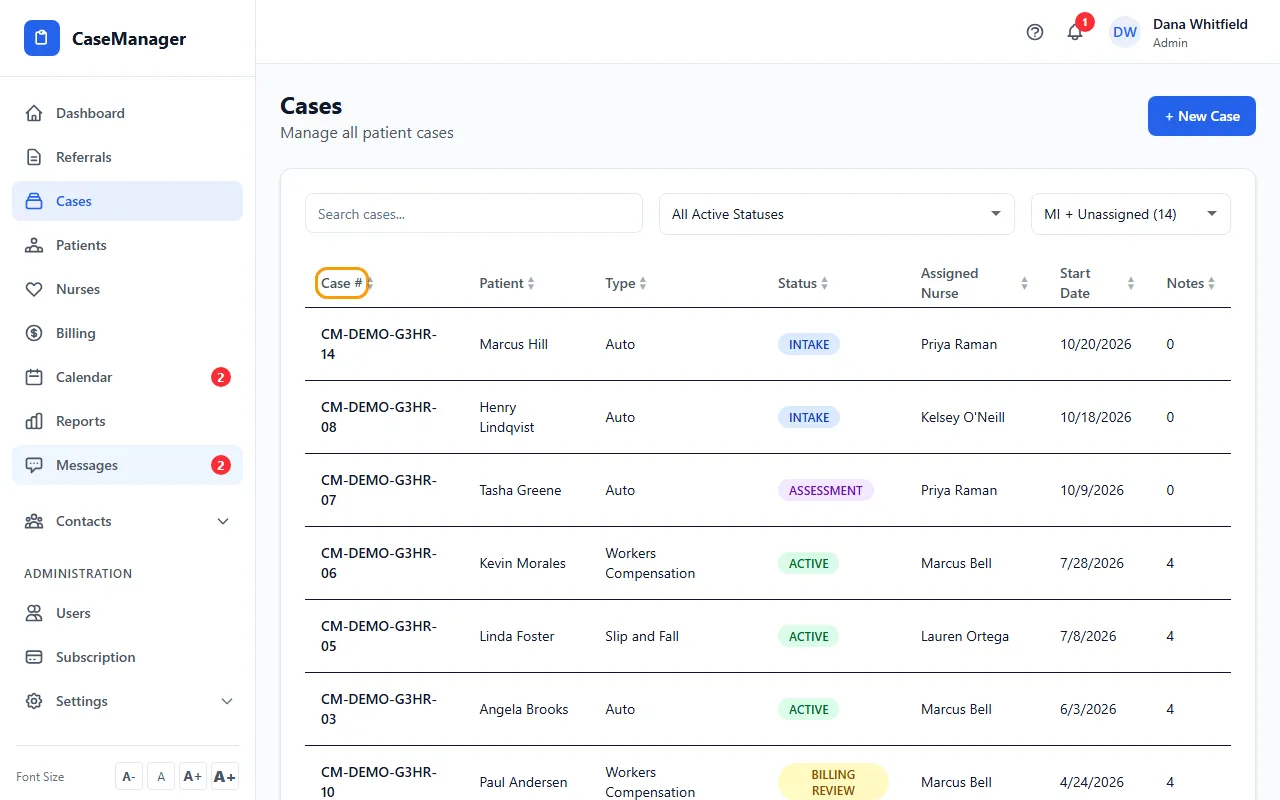
- Under the case number you'll see a chip for each assigned nurse, or No nurse assigned. Click the small + after them.
- In Add Nurse / Case Manager, click the person to add. They appear as a chip right away.
- To take someone off the case, click the minus sign (−) on their chip.
From the patient file
The same chips, with + and the minus sign, are at the top of the patient's file. There, CaseMgmt asks you to confirm before removing someone.
If the patient has no case yet, adding a nurse there creates a case for them first.
Good to know
A case can have several nurses. The Cases list shows them all in Assigned Nurse.
When someone adds a case note on a patient, CaseMgmt adds them to that case automatically if they weren't on it.
You can also choose nurses when you create the case, under Assign Nurse(s).
If something goes wrong
- I don't see the + or − buttons.
- On the case page and the patient file they show for Admins and Nurse Case Managers only.
- "No more nurses available"
- Everyone who can be added is already on the case. On the case page the list shows active Nurse Case Managers and Internal Case Managers.