Set up billing guides for case notes
Billing guides are the activities nurses pick on a case note, such as Office Time, and each one fills in its invoice description.
Last updated October 22, 2026
Who can do this: Admin
Steps
- Go to Administration > Settings > Billing Guides.
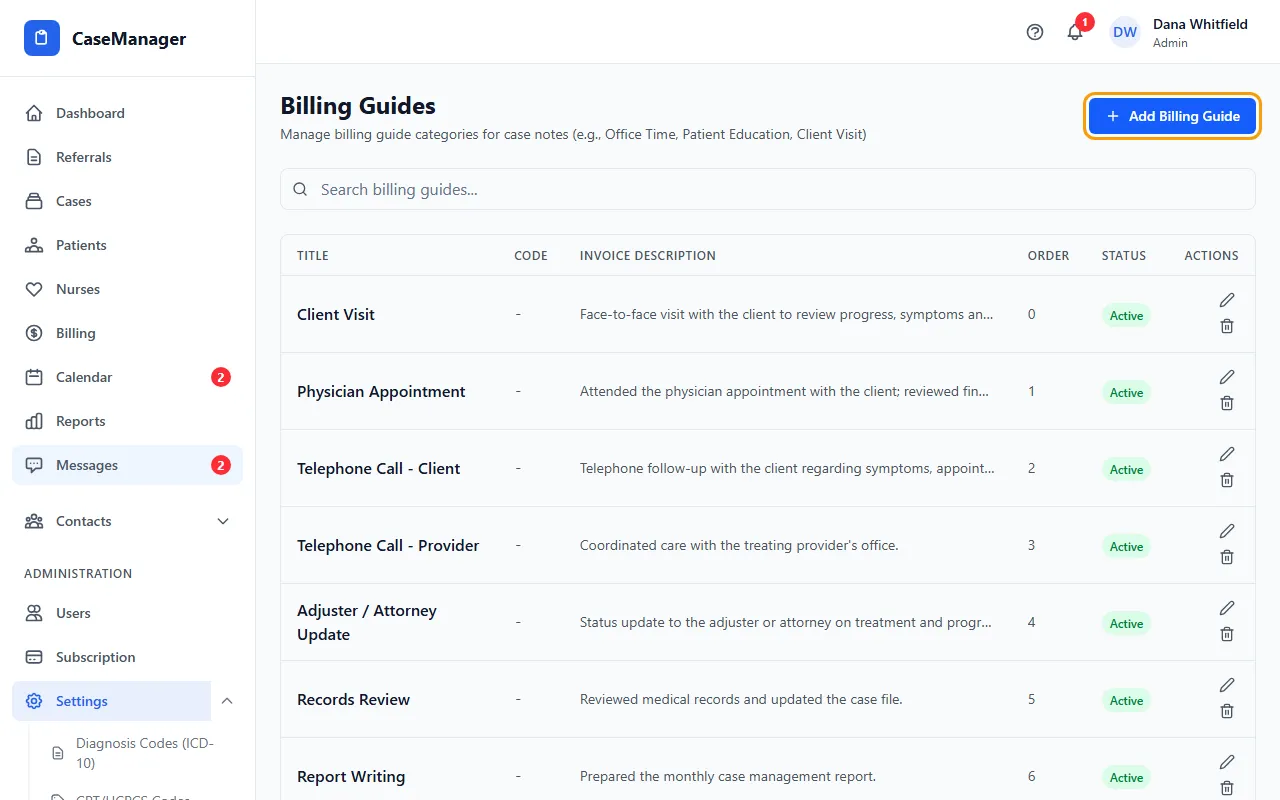
- Click Add Billing Guide.
- Enter a Title (what nurses see, for example Office Time) and a Code if you use one.
- Write the Invoice Description. This text fills in the Invoice Description field when a nurse picks this guide on a case note.
- Set Sort Order to place it in the list, then click Add Billing Guide.
- To change one, click its pencil icon, edit, and click Update. To stop offering one, click its trash icon: it turns Inactive. Click the trash icon again to turn it back on.
Tips
- Write the invoice description the way you want it to read on the bill.
If something goes wrong
- The Add Billing Guide button in the window is grayed out.
- Enter a Title first.