Keep a list of your pay amounts
Pay Amounts is a reference list of what you charge for each service, by the hour, by the unit or as a flat fee.
Last updated October 22, 2026
Who can do this: Everyone on your team
Steps
- Open Contacts > Pay Amounts.
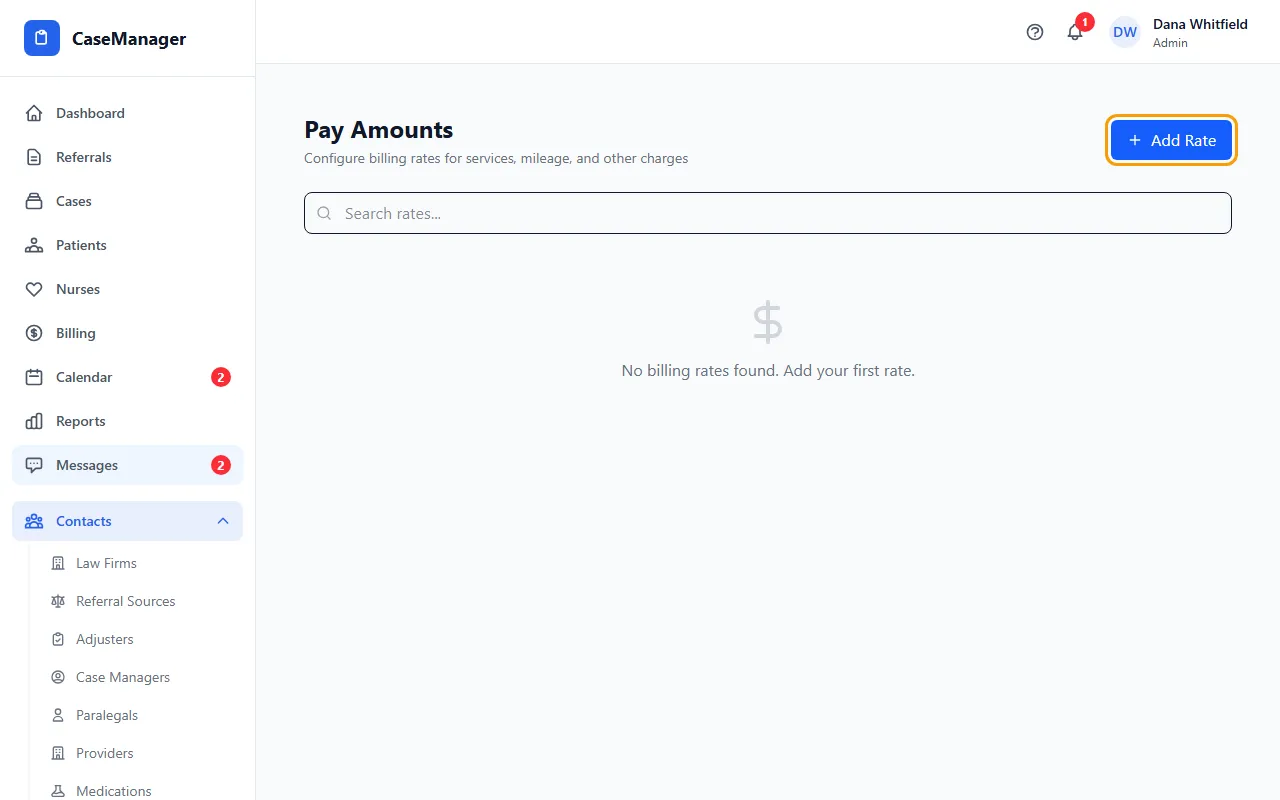
- Click Add Rate.
- Enter the Service Type (required), for example Nurse Case Management or Mileage, and a Description if you like.
- Enter a Rate/Hour ($), Rate/Unit ($) or Flat Rate ($), whichever fits. You can fill in more than one.
- If you like, pick a CPT Code: search the list, or type your own code and choose “Use custom code”.
- Click Add Rate. Later, click a row to edit it and click Update, or click its trash icon to make it Inactive (click again to turn it back on).
What this list does
It's a list for your team to look things up. The amounts here aren't used to work out invoice or CMS-1500 amounts. Set those under Administration > Settings > Rates & Pricing.