Add a nurse
Add a nurse or nurse manager from the Nurses page; they get an email to set up their login.
Last updated October 22, 2026
Who can do this: Admin
Before you start
- Admins can add nurses, and anyone an Admin gave the Manage Users permission.
- Each nurse you add is a user on your CaseMgmt subscription. See Pricing.
Steps
- Open Nurses and click + Add Nurse.
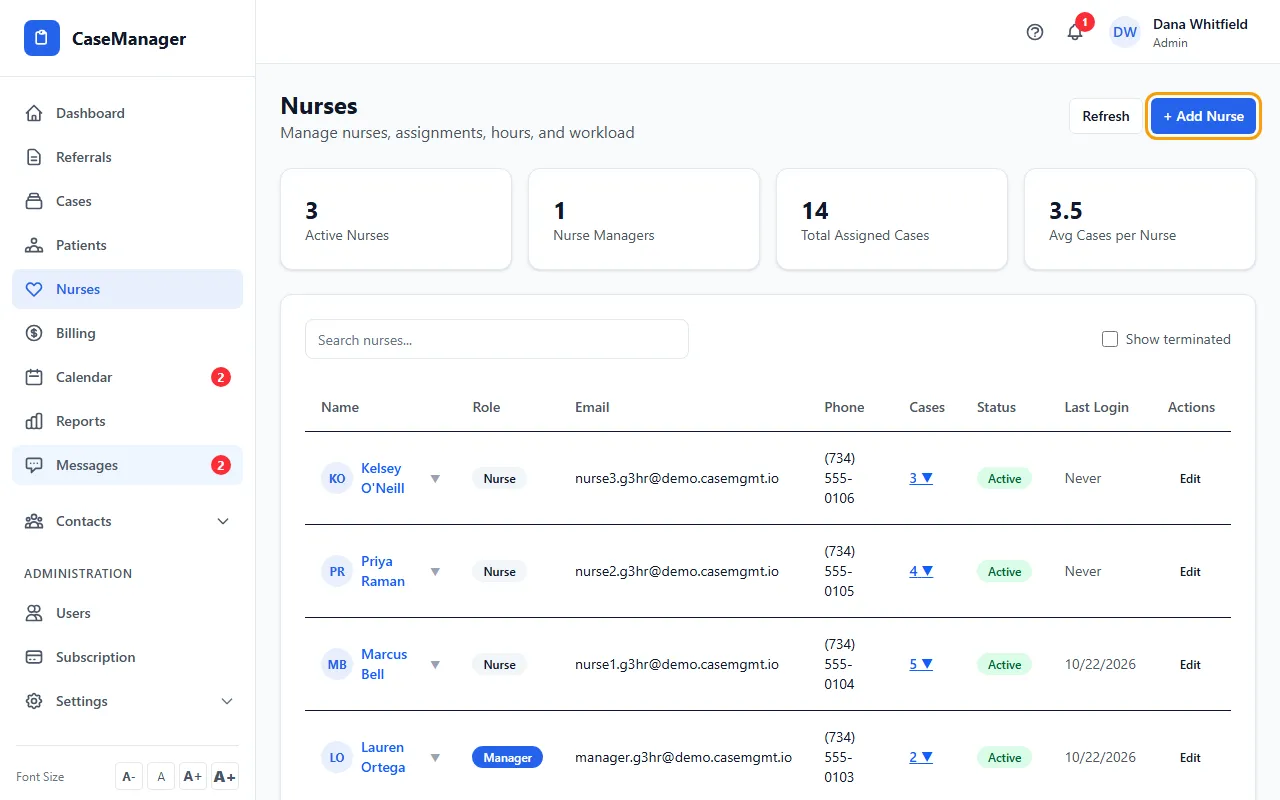
- Fill in First Name, Last Name and Email, and choose the Role: Nurse (Internal Case Manager) or Nurse Manager (Nurse Case Manager).
- Add the Phone, Billing Rate ($/hr) and Payroll Classification (W-2 Employee or 1099 Contractor).
- Leave Password blank so they get an email invite to set up their own login.
- Click Add Nurse.
Change or end a nurse's login
Click Edit on the nurse's row, change the details or the Status (Active, Draft, Not Working, On Leave, Terminated or Suspended) and click Update Nurse.
Terminated and Suspended turn their login off. Terminated nurses are hidden from the list unless you tick Show terminated.
If something goes wrong
- “Email already in use”.
- Someone already has a login with that email. Search the list (tick Show terminated) and edit that person instead.