See who changed a patient's file
The Audit Log tab shows who changed the patient's details and documents, and when.
Last updated October 22, 2026
Who can do this: Admin
The Audit Log tab shows unless your company has hidden it. Ask support at admin@casemgmt.io.
Steps
- Open the patient and click the Audit Log tab.
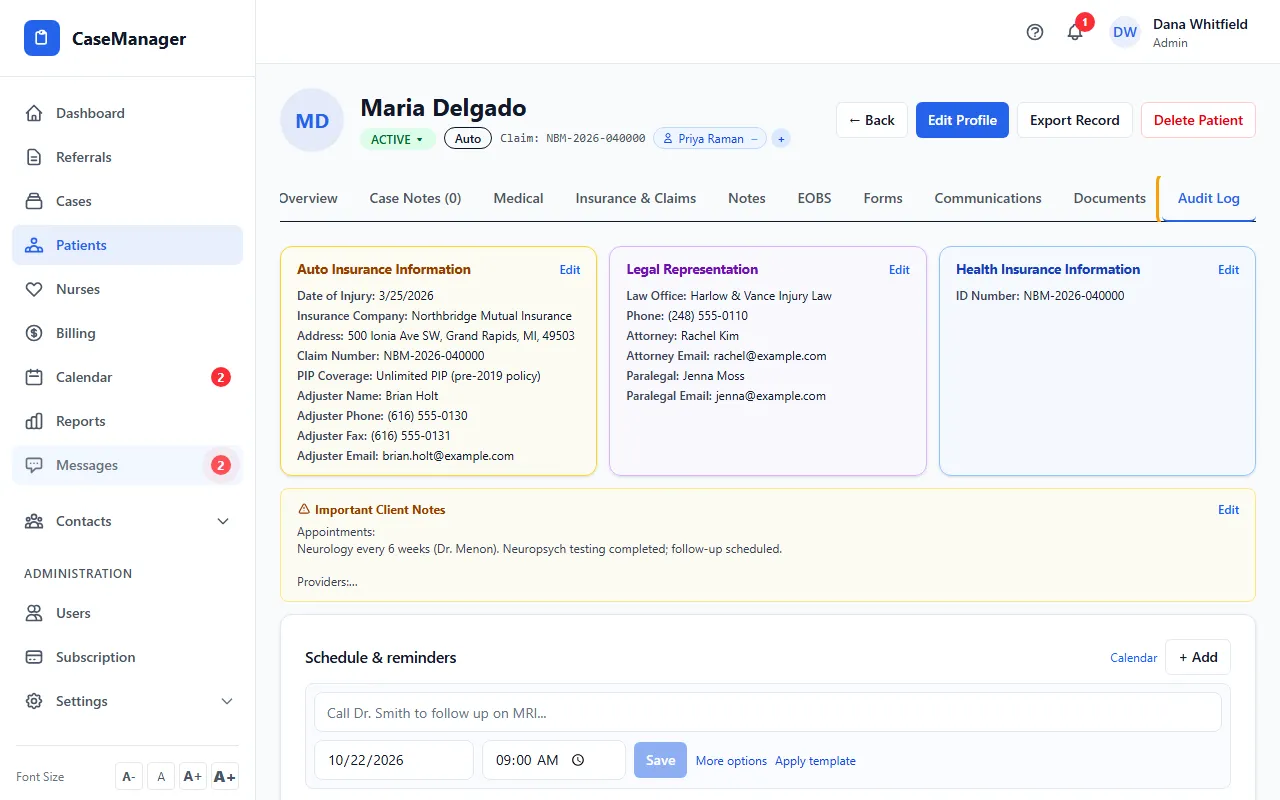
- Read each row: Timestamp, User, Action, Item and Details.
- In Details, see each changed field with its old value → new value.
What's in it
Changes to the patient's details, plus document uploads, renames and deletes, and signature activity. Forms the patient filled in or signed themselves show as Completed by patient or Signed by patient.
It is read-only, newest first, and shows the 200 most recent entries.
Saving without changing anything doesn't add a row. Social Security number changes are never written into the log.