Change a referral's law firm
Credit a referral to a different law firm straight from the referral list.
Last updated October 22, 2026
Who can do this: Admin, Nurse Case Manager, Internal Case Manager
Before you start
- You need the Manage Referrals permission (Admins, Nurse Case Managers and Internal Case Managers have it by default).
Steps
- Open Referrals and click the firm name (or the dash) in the referral's Law Firm column.
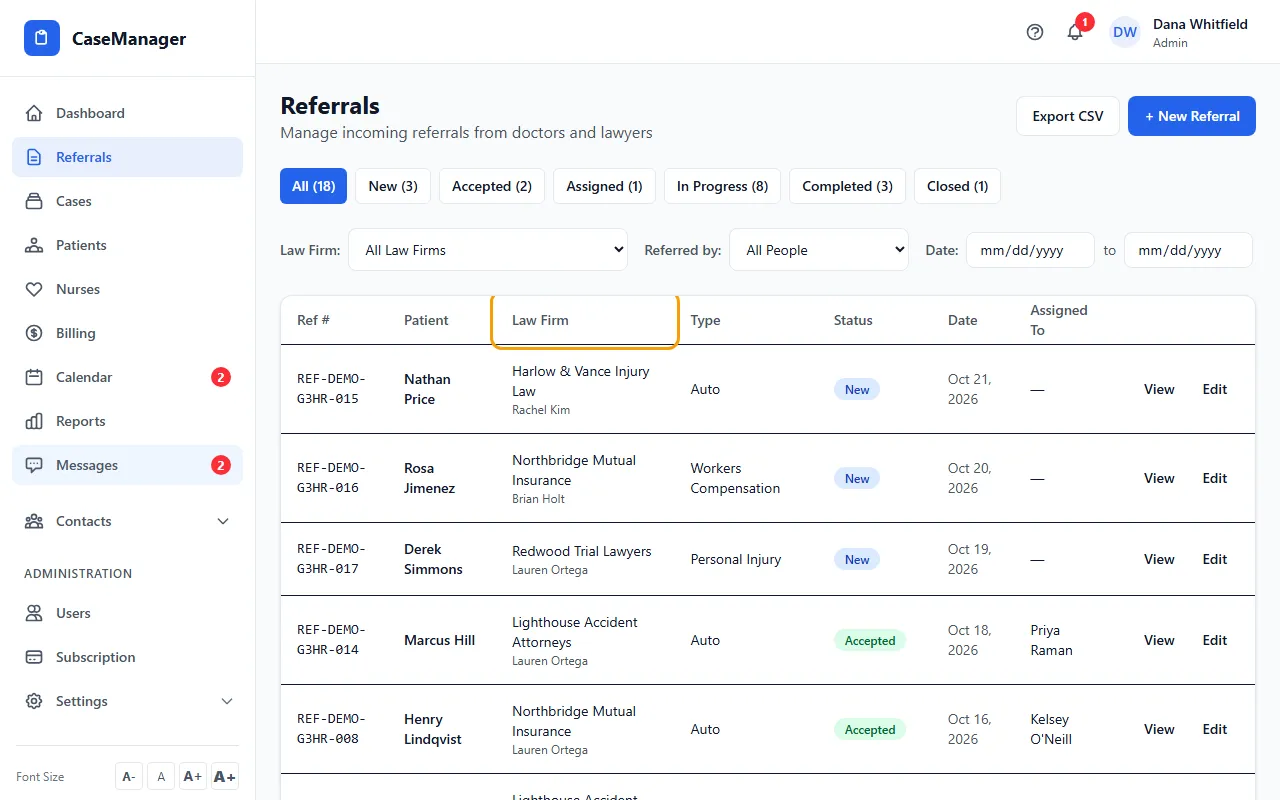
- Start typing to search. Click the firm you want, or press Enter when the name matches exactly.
- If the firm isn't listed, click + Create with the name you typed. If a firm with the same name already exists (ignoring capital letters, extra spaces and a leading “The”), the referral goes to that firm instead of a copy.
- The list updates. Press Esc or click elsewhere to close the box without changing anything.
Tips
- This changes only the law firm. The Referred by person stays as it was. To change the person, click Edit on the row.
- If many referrals sit under the wrong firm, an Admin can move them all at once from Contacts > Law Firms. See Clean up duplicate law firms.