Your first day as Referral Staff (attorneys, adjusters and other referral partners)
Referral Staff use the free referral portal to send new referrals and follow the ones they sent.
Last updated October 22, 2026
Who can do this: Referral Staff
Before you start
- The nurse case management company adds you as Referral Staff. You get an email to set your password. See Set up your account from an invite email.
Steps
- Sign in on the Referral Source Portal page with Sign In to Portal. (The staff sign-in page works too and sends you to the portal.)
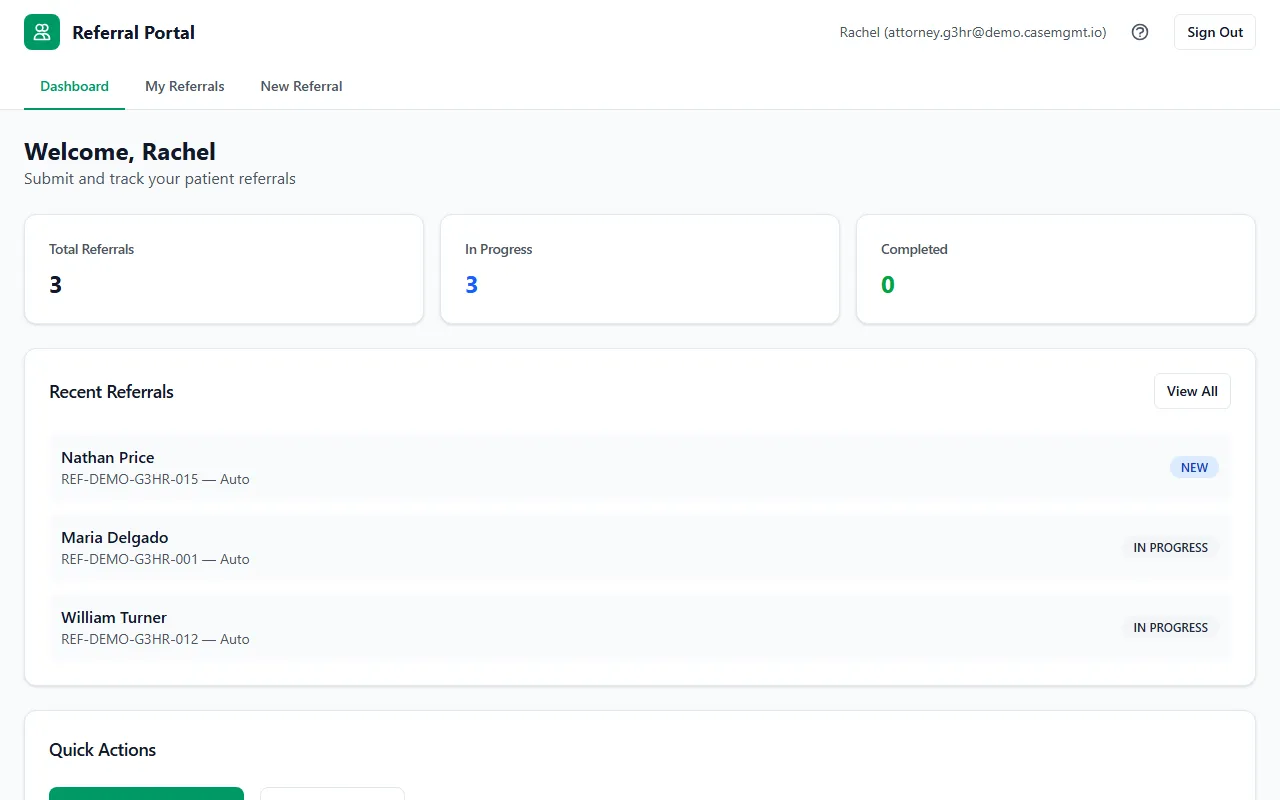
- Your portal has three pages at the top: Dashboard, My Referrals and New Referral.
- Click New Referral to send a new patient to the company.
- Open My Referrals to follow the referrals you sent.
Tips
- Referral Staff logins are free for the company, so every attorney, paralegal or adjuster can have their own.
- Forgot your password? Use Forgot password? on the staff sign-in page. See Reset a forgotten password.