Change your plan
Switch to another plan from the Subscription page; the difference is prorated on your bill.
Last updated October 22, 2026
Who can do this: Admin
Steps
- Go to Administration > Subscription and click Change Plan to open it.
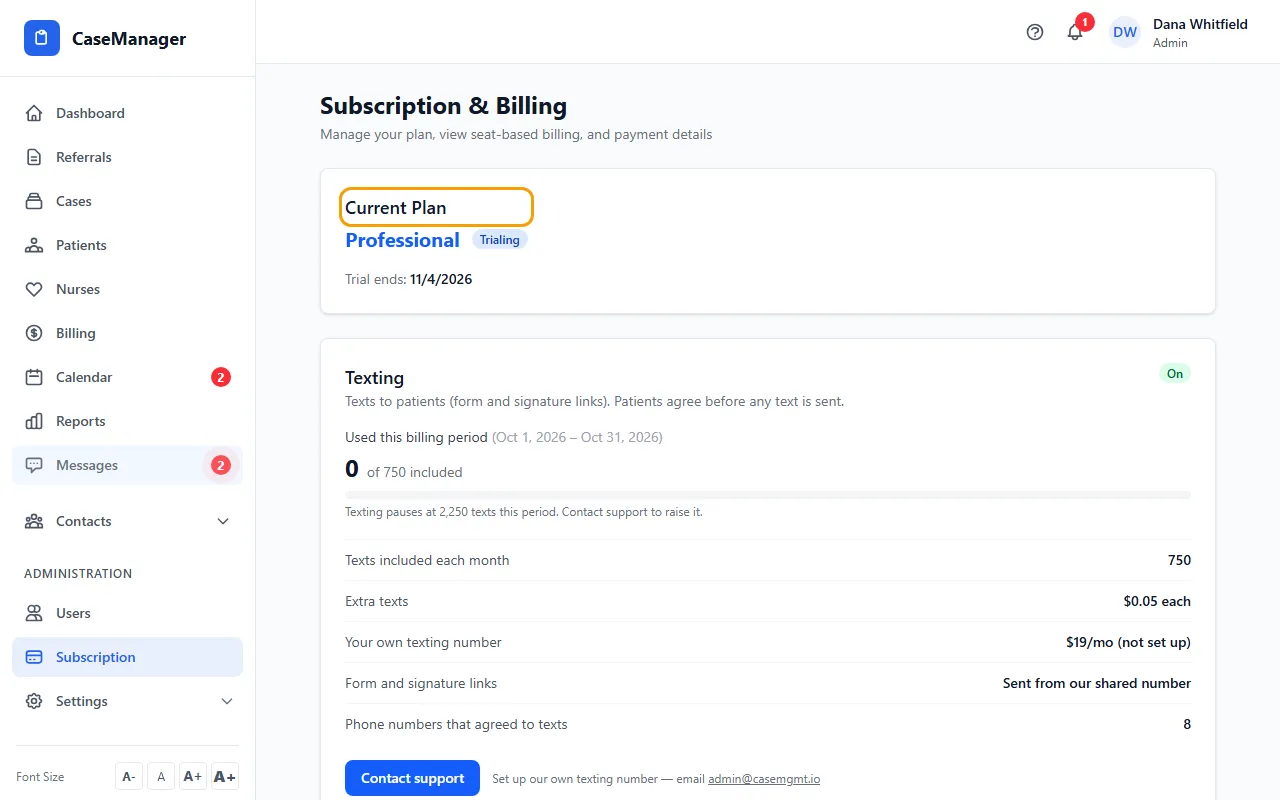
- Each card shows a plan's monthly base price and where its extra-user prices start. Your plan says Current Plan.
- Click the Switch to button on the plan you want. It switches right away, with no second question, so check the plan name first.
- The page reloads with your new plan. Your bill is prorated for the rest of the period, and your included users follow the new plan.
If something goes wrong
- The page reloads but still shows the old plan.
- The change didn't go through. Email admin@casemgmt.io and we'll make it for you.