Send an urgent alert
Reach colleagues right away with a red banner, email and text, and escalate to managers if nobody presses Got it.
Last updated October 22, 2026
Who can do this: Admin, Nurse Case Manager, Internal Case Manager, Billing Staff
Your company must have this turned on. Ask support at admin@casemgmt.io.
Steps
- Open Calendar and click + Add.
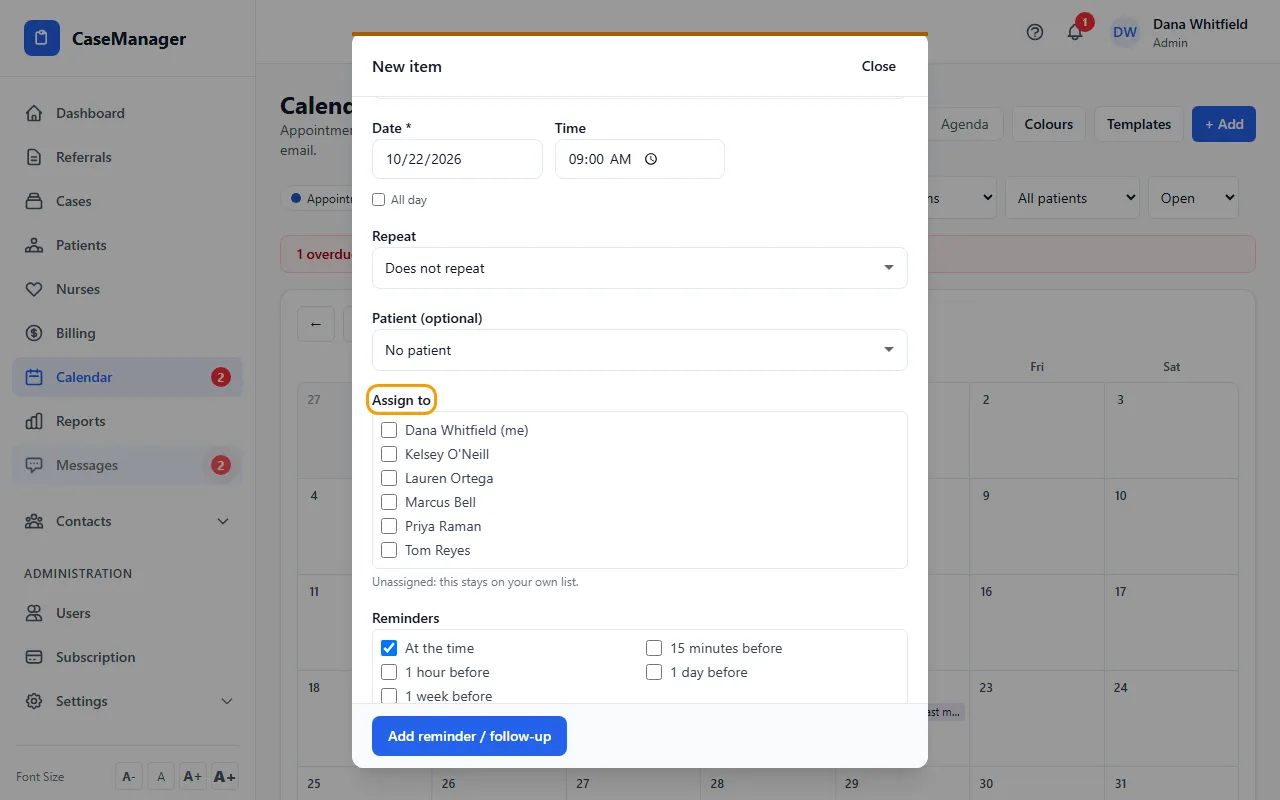
- Pick the type Urgent alert. It has no date or reminders: it is sent the moment you save it.
- Fill in What, add details in Notes, and choose the Patient if there is one.
- Under Assign to, tick the people who should get it. Assign nobody to send it straight to the managers.
- Click Send urgent alert.
What the people you assign get
A red URGENT bar across the top of every screen, with Open and Got it. On a computer it also plays a short tone.
An email, and a text if they confirmed their mobile in My Settings (your company's work texts must be on). Texts never include patient details, just who it's from and a link.
Pressing Got it (on the bar or the alert's page) stops the alert for everyone, and you get a notice saying who got it. If one of them marks the calendar item done, that counts as Got it too.
If nobody presses Got it
After about 15 minutes it goes to everyone who has Receive escalated urgent alerts (Admins and Nurse Case Managers by default) as well as the people you chose.
It is then sent again every 15 minutes, 3 times, and stops. You get a notice if it stops with nobody confirming, so you know to call someone.
An Admin can switch Receive escalated urgent alerts on or off for each person in Users.
See who got it
Open the alert from the bar, the bell, or the item's See who got it link. The page shows its status (Waiting for someone to confirm, Confirmed, Nobody confirmed (stopped) or Closed) and, under Who it went to, each person for each round with the time and whether it went by App, Email and Text.
The person who sent it, the people it went to, and Admins and Nurse Case Managers can open this page. Only the people it went to can press Got it.
Tips
- Urgent alert texts are sent even during a person's quiet hours.
- An urgent alert can't repeat.
If something goes wrong
- There is no Urgent alert type.
- Urgent alerts are off for your company. Ask support at admin@casemgmt.io to turn them on.
- You got a notice “Urgent alert not sent”.
- Nobody could receive it: it wasn't assigned to anyone else and nobody has Receive escalated urgent alerts. Call someone, then ask an Admin to set up who receives escalations.
- “Alert not found”
- The alert was not sent to you and you are not its sender, an Admin or a Nurse Case Manager.