Get work texts on your phone
Add your mobile in My Settings to get reminders, new assignments, your daily summary and urgent alerts by text.
Last updated October 22, 2026
Who can do this: Admin, Nurse Case Manager, Internal Case Manager, Billing Staff
Your company must have this turned on. Ask support at admin@casemgmt.io.
Before you start
- Work texts need notification choices turned on and texts to staff switched on for your company. Support turns both on.
Steps
- Open My Settings and find the Text messages card.
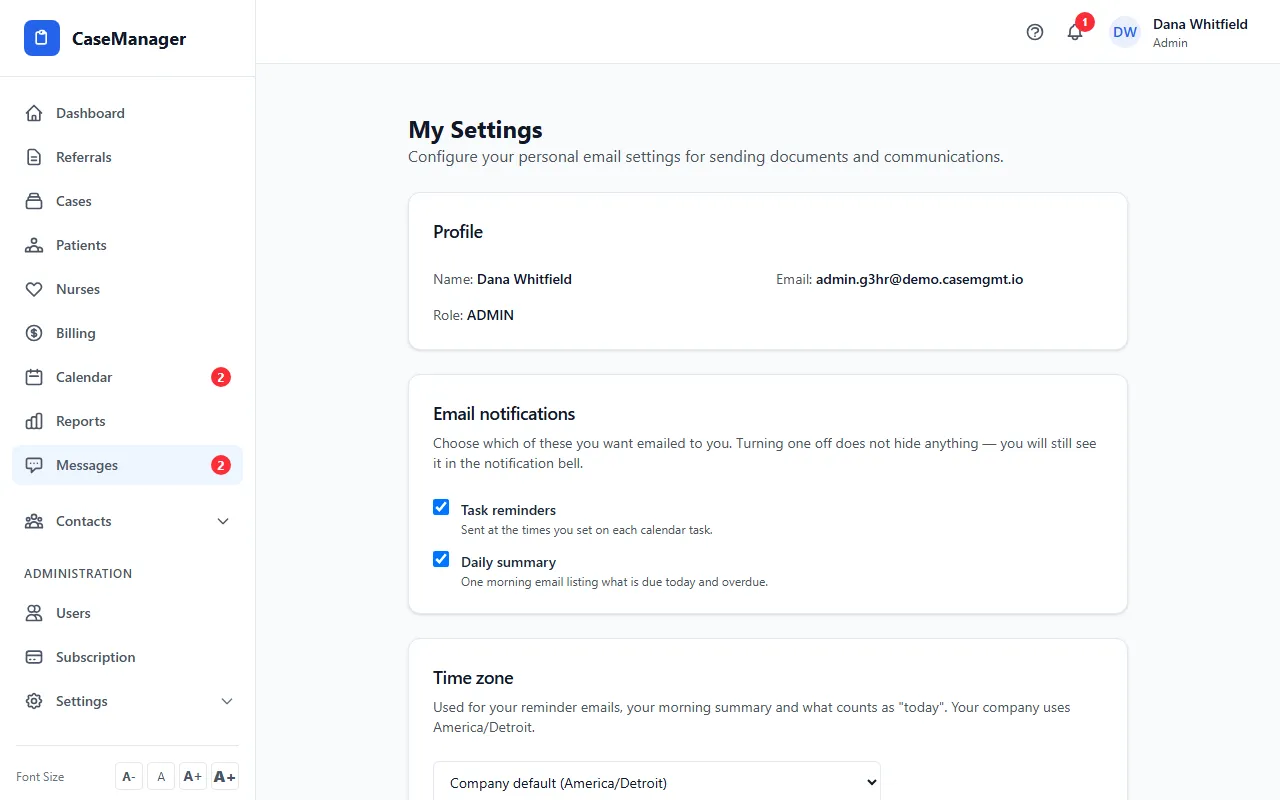
- Type your Mobile number, tick the box to agree to work texts, and click Text me a code.
- Type the 6-digit code from the text (it works for 10 minutes) and click Confirm. The card shows Confirmed.
- On the Notifications card, tick Text for the notices you want.
- Set quiet hours (9 PM to 7 AM to start with). Texts that fall in them are skipped; the app and email still get them.
What the texts say
Work texts never include patient names or details. They say your company's name, what kind of notice it is (for example a reminder for an item due at a time, or that someone assigned you an item) and a link to open it.
Urgent alerts are texted to everyone with a confirmed mobile, even during quiet hours.
Changing or stopping
Click Change number to use another mobile, or Remove to stop texts and delete the number.
If you reply STOP, texts stop and the card tells you to text START to the number they come from to turn them back on.
If something goes wrong
- “Texts to staff are not turned on for your company. Contact support to turn them on.”
- Ask your Admin to contact support at admin@casemgmt.io.
- “Enter a US mobile number, e.g. (555) 123-4567.”
- Type a 10-digit US mobile number.
- “That code has expired. Send a new one.”
- Click Send a new code and use the newest code within 10 minutes.
- “That code is not right. Check the text and try again.”
- Retype the code. After 5 wrong tries, send a new code.
- “Wait a minute before asking for another code.” or “Too many codes today. Try again tomorrow.”
- You can ask for a code once a minute and 5 times a day.
- “This number replied STOP. Text START to the number our texts come from, then try again.”
- Text START from your phone, then click Text me a code again.