Log time on a case
Add a time entry straight to a case from its Billing tab, without writing a case note.
Last updated October 22, 2026
Who can do this: Admin, Nurse Case Manager, Internal Case Manager
Steps
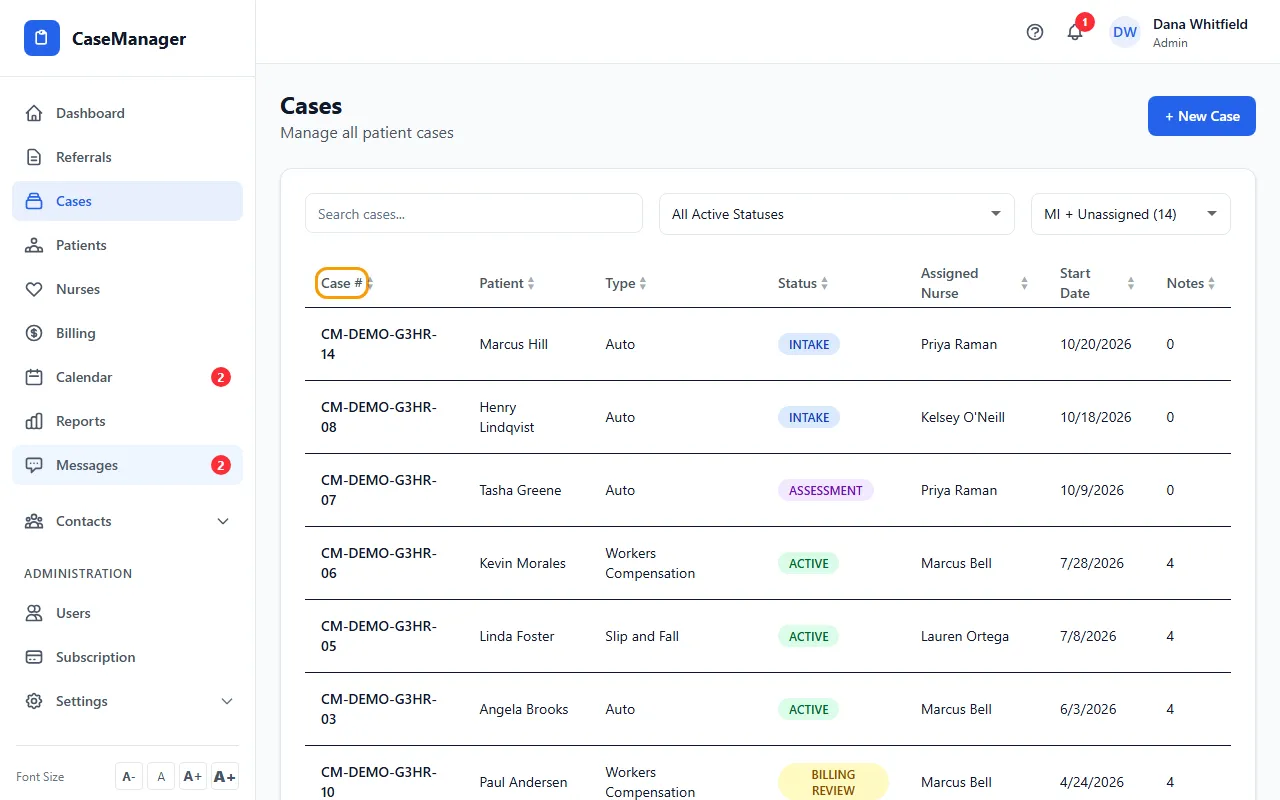
- Open Cases and click the case's row.
- Click the Billing tab, then Log Time.
- Check the Date, enter the Hours (for example 0.3) and pick a Service Type if one fits.
- Describe the work in Description.
- Click Save Time Entry. It appears in Time Entries as LOGGED until it is approved.
Case note or Log Time?
Time logged here is a time entry only. It has no billing guide or miles and doesn't show on the patient's Case Notes tab.
For work you bill with billing guides and mileage, add a case note instead: see Add a case note with hours and miles.
Tips
- When the case has approved time, a Generate Invoice button appears next to Log Time and takes you to Billing.