The patient audit log and exporting a patient record
Admins can see who changed a patient's record and when, and download the whole record as a zip file.
Last updated October 22, 2026
Who can do this: Admin
Steps
- Open the patient and click the Audit Log tab.
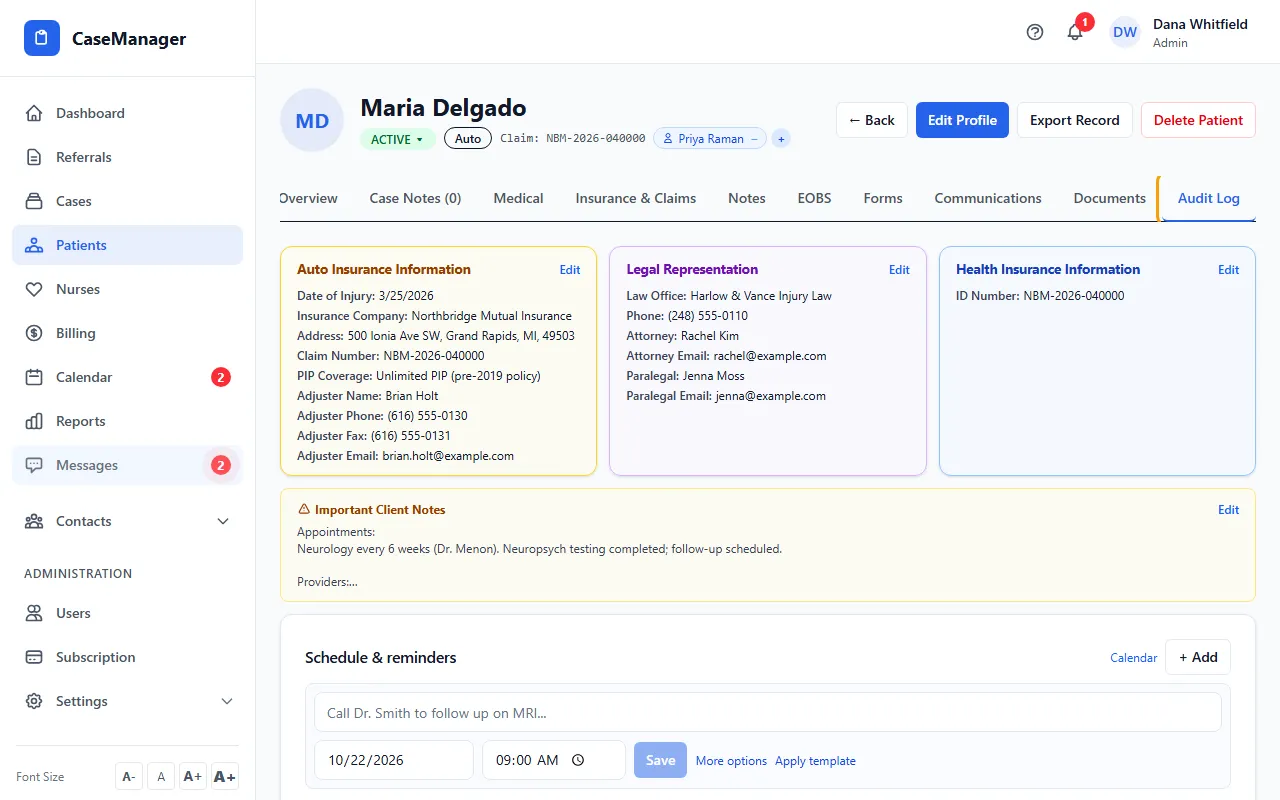
- Read the list: each line shows when, who and what changed on the record, its documents and its signature requests.
- To download everything, click Export Record at the top of the patient's file.
- Open the zip file. It holds the patient's data, a readable PDF of the record, the patient's documents, and a list of the documents.
What else is recorded
Every export is written to the audit trail.
Social Security numbers stay hidden until someone clicks Reveal, and each reveal is recorded.
CaseMgmt also records each sign-in, failed sign-in and sign-out.
Tips
- The Audit Log tab and Export Record are for Admins only. Your company can hide the Audit Log tab; ask support if you don't see it.