Find your way around the Forms tab
The Forms tab on a patient's file holds every form for that patient, sorted into five sub-tabs, plus the forms you sent out to sign.
Last updated October 22, 2026
Who can do this: Admin, Nurse Case Manager, Internal Case Manager, Billing Staff
Steps
- Open the patient and click the Forms tab.
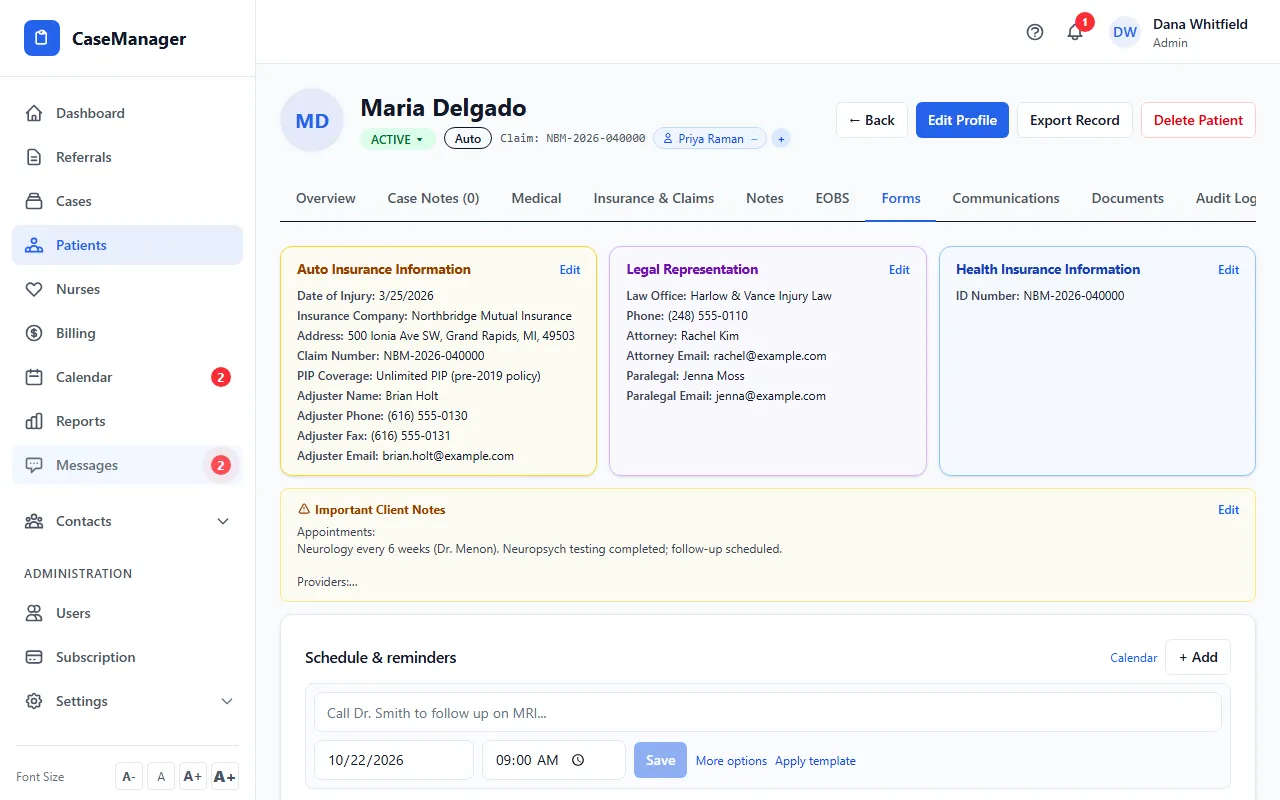
- Pick a sub-tab: Forms, Agreements, Client Summary, Medical Release or Uploaded Documents. The number next to each name is how many forms it holds.
- Forms already added to the patient are listed with their status. Forms you can still add are under Available Forms.
What each sub-tab holds
Forms: intake forms, assessments, visit notes, monthly reports and other forms your nurses fill out.
Agreements: documents your patients sign, like a case management agreement or an assignment of benefits.
Client Summary: summaries you send to attorneys and adjusters about a patient's care.
Medical Release: authorizations that let you request medical records from hospitals and providers. Which releases you see depends on the forms set up for your company.
Uploaded Documents: your own PDFs that you send to the patient to sign. See Upload your own PDF and send it for signature.
Form statuses
Pending: added to the patient, not started. In Progress: someone clicked Save Draft. Completed: finished, and the PDF is saved to the patient's Documents.
The boxes at the top count Total Forms, Pending and Completed for this patient.
Assign All Forms adds your company's standard forms to the patient in one click. It only shows when some of them aren't added yet.
Forms sent to the patient
Sent Forms (Awaiting Signature) lists each form you sent to the patient: by email or text, to which address or number, the date and who sent it. It shows Signed once the patient submits it. How to send one: Send a form to a patient.
A sub-tab is empty
An empty sub-tab explains what it is for and gives you two ways to get forms: Email support to add forms (we build it for you), or Go to Uploaded Documents to use your own PDF today. See Get your own forms added.
Tips
- Click Refresh to reload the list, for example after a patient signs a form you sent.