Edit a patient's profile
Change the patient's personal, contact, intake, referral, insurance and CMS-1500 details in one form.
Last updated October 22, 2026
Who can do this: Admin, Nurse Case Manager, Internal Case Manager
Before you start
- You need the Edit Patients permission. Admins, Nurse Case Managers and Internal Case Managers have it by default.
Steps
- Open the patient and click Edit Profile.
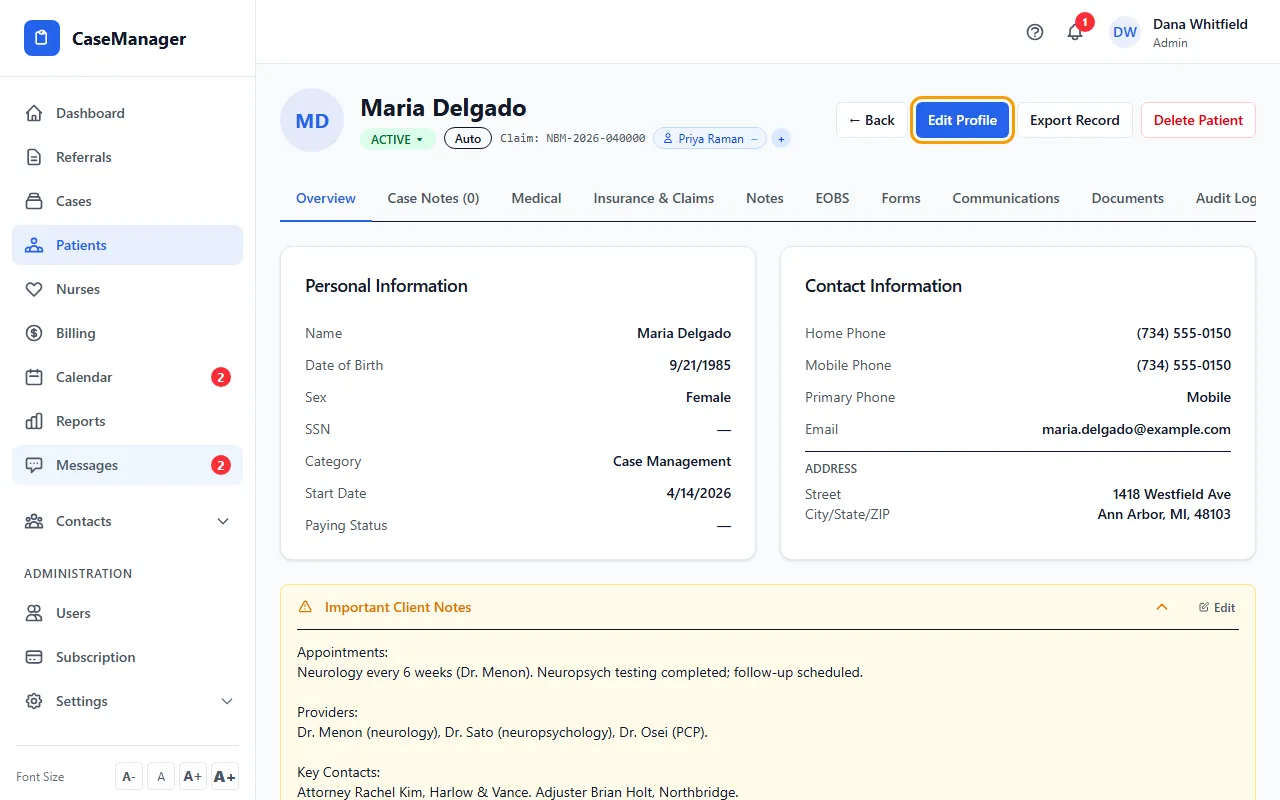
- Change what you need. The form has Personal Information, Contact Information, Address, Intake Information, Emergency Contact, Referral Source, Medical Information, Insurance & Claims, Insured Information and Patient Status.
- Click Save Changes. To leave without saving, click Cancel (or Cancel Edit at the top).
Quicker edits without the full form
Many parts of the file can be changed on their own: the auto insurance, legal and health insurance cards and Important Client Notes have an Edit link, and the Medical, Insurance & Claims and Notes tabs have their own edit button.
Every change is recorded on the Audit Log tab with the old and new value.
Social Security number
The Social Security box is always empty when you open the form. Leave it empty to keep the number on file, or type a new number to replace it.
If something goes wrong
- I click Save Changes and the form stays open.
- The save didn't go through. Your login most likely can't edit patients (Billing Staff can't by default); ask your Admin.