Add a user
Give a new team member a login. Leave the password blank and they get an email to set up their own.
Last updated October 22, 2026
Who can do this: Admin
Before you start
- Adding a paid user can raise your bill once your plan's included users are used up. See How adding a user affects your bill.
Steps
- Go to Administration > Users and click Add User.
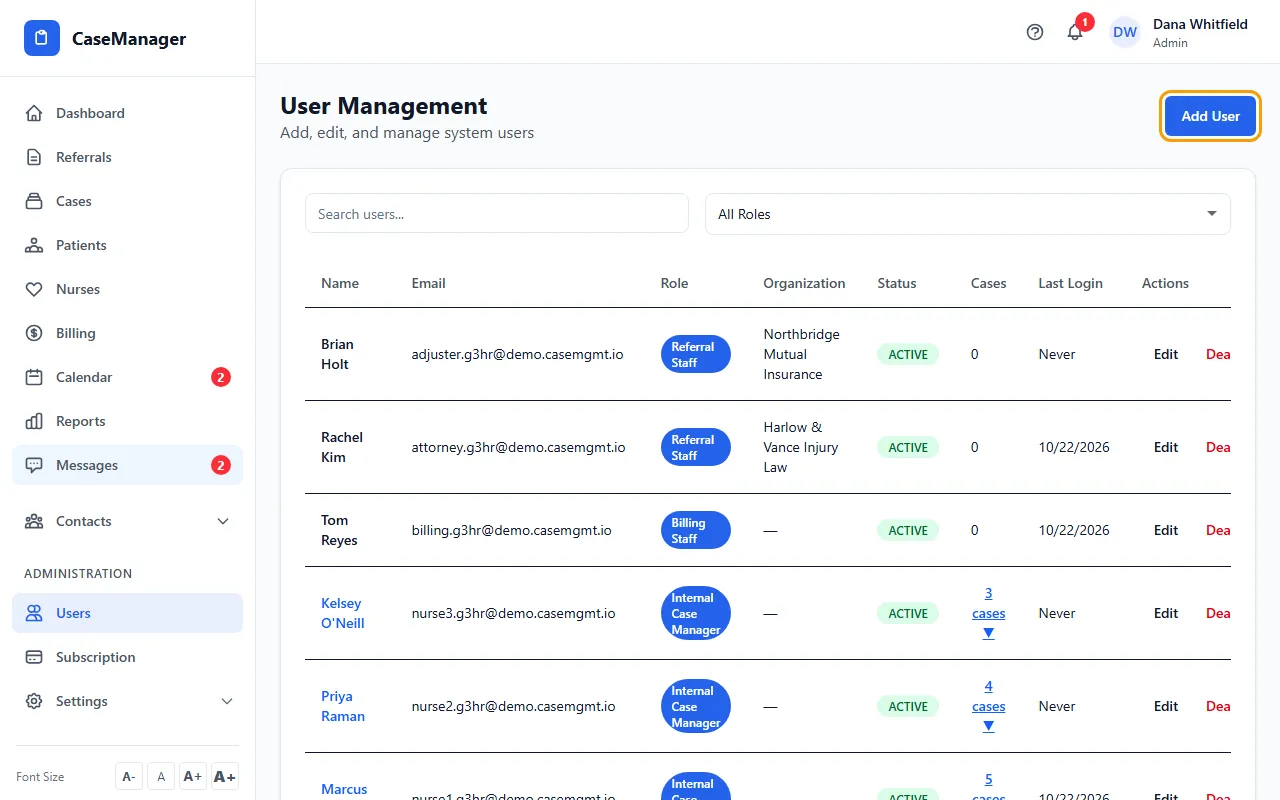
- Type the First Name, Last Name and Email.
- Leave Password blank to email them an invite (it works for 7 days). Or type a password of at least 8 characters and give it to them yourself.
- Choose the Role. The list shows the price of an extra user of that role, or (Free) for Referral Staff.
- Optional: add Phone, Billing Rate and Organization.
- Check the boxes under User Permissions. They start at the defaults for the role you picked.
- Click Create User. If the new user adds to your bill, Confirm Seat Addition shows the cost; click Confirm & Add User.
Tips
- Email addresses are saved in lowercase. People can sign in whatever capitals they type.
- The top of the form tells you how many more users your plan includes at no extra cost.
- In the Users list, Email not set up under a person's email means forms and documents they email to patients won't go out: neither their own email (My Settings) nor the company email (Administration > Settings > Email) is set up. “Sends from the company email” means theirs isn't set up, so the company's is used.
If something goes wrong
- “Email already in use”
- That address already has a CaseMgmt login. Each email address can have only one login, and capital letters don't make a different address (Jane@clinic.com and jane@clinic.com are the same). Use a different address, or find the person in your list (tick Show terminated to see deactivated users).
- “Validation failed”
- Check that the name and email are filled in and the email is complete, and that a typed password has at least 8 characters.
- The person didn't get the invite.
- Ask them to check spam. If the 7 days pass, they can use Forgot password? on the sign-in page to choose a password, or you can set one with Edit. See I didn't get the email.