Use the Actions menu on a batch
View, download, edit, send, pay or void a batch from its Actions menu in Batch History.
Last updated October 22, 2026
Who can do this: Admin, Billing Staff
Steps
- Open Billing, click Batch Invoicing, and find the batch in Batch History. Search by batch number or patient, or filter by state or status.
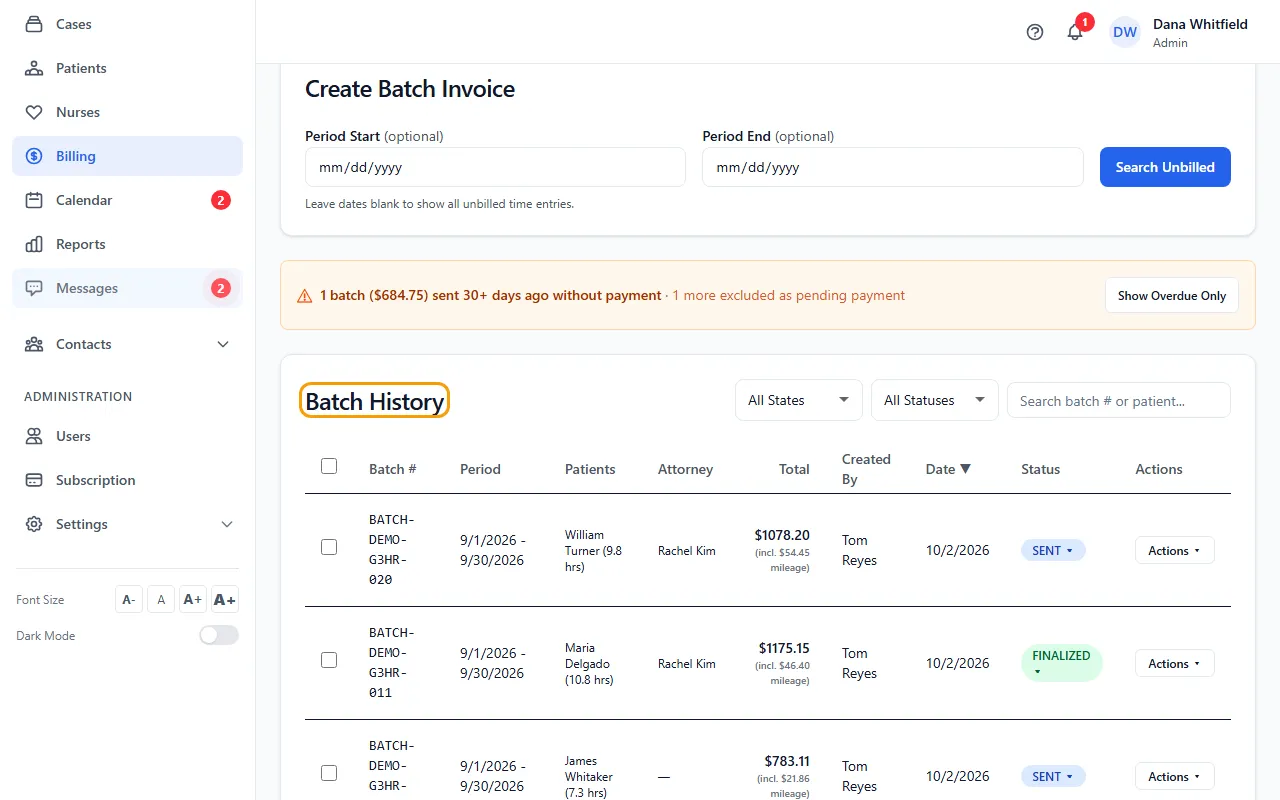
- Click Actions on the batch's row.
- Click View to see the CMS-1500 on screen, or Download to save it as a PDF.
- Click CMS-1500 Editor to change the claim before you send it. See Edit a CMS-1500 claim.
- Click Email/Fax to send the batch, or Payment to record money received.
- Click Void Batch to cancel it. A draft or already voided batch shows Delete Batch instead.
Batches with more than one patient
Instead of CMS-1500 Editor, the menu lists one CMS-1500 item per patient, followed by Download All CMS-1500s.
View shows the first patient's form. Download saves every patient's form.
Other menu items
On a paid batch, View Payment replaces Payment. Void Batch isn't offered once a batch has payments recorded or is PAID, PARTIAL or CLOSED: it's part of your billing record. View EOB appears once an EOB is attached. A draft batch has no Payment item.
On a single-patient batch, hold Shift while you click View or Download to rebuild the form from the patient's current details, ignoring edits saved in the CMS-1500 editor.
Download many at once
Tick the batches you want and click Export ZIP to download all of their CMS-1500 PDFs in one ZIP file. Clear unticks them.
Change a status by hand
Click a row's status badge to choose DRAFT, FINALIZED, SENT, DENIED or CLOSED, or Record a payment…. PAID and PARTIAL aren't on the list: a batch becomes PARTIAL or PAID by itself when you record payments, measured against its full billed amount including mileage. Once a batch has payments, only DENIED and CLOSED are offered.
If something goes wrong
- “Could not load CMS-1500”
- Close the preview and hold Shift while you click View. That rebuilds the form from scratch and skips saved data.
- The Actions button says Working….
- The form is still being built. Wait for it to finish.